Best WP Umbrella Alternatives
Why agencies move on from WP Umbrella, five alternatives and what each does differently, and how to switch without losing restore points.

WP Umbrella does a lot right. The pricing is easy to explain, the monitoring is broad (uptime from five regions, SSL and domain expiry, PHP errors, broken links, PageSpeed) and its client reports are among the best around: white-label, scheduled and in more than 25 languages including Dutch. Agencies that leave it rarely leave because of the reports. They leave over what happens when an update goes wrong, and over what the bill looks like once the add-ons are on.
Below are the four reasons we hear most, then five alternatives with what each does differently. Prices are the vendors’ own figures at the time of writing (October 2026). For the full set of criteria, see the best WordPress management software for agencies.
Why agencies look beyond WP Umbrella
Security is a paid add-on
The base plan is about €1.99 per site per month. Malware scanning, the firewall, the site activity log and file integrity checks are a Security add-on at €2 per site, and hourly backups are another €2.49 per site. Say you look after 60 sites. The base plan is about €119 a month. Add security and hourly backups to every site and it is roughly €389 a month, more than three times the headline price. In practice that tempts you to switch security on only for the shops, and then explain to the other clients why their site is not covered.
Backups live only in WP Umbrella’s storage
Backups go to WP Umbrella’s own servers in France and are kept for 50 days. You cannot send them to storage of your own. For many agencies that is fine. It stops being fine when a client’s contract asks for 90 days of restore points, when a privacy officer wants the copies in an account the agency controls, or when you want to keep restore points if you ever cancel the subscription.
Safe Update backs up only the plugin folder
Before an update, Safe Update copies the folder of the plugin or theme being updated. The advanced version adds a screenshot comparison and automatic rollback, which catches the obvious breakages. But a folder copy puts back code, not data. When a WooCommerce or Elementor update changes database tables and then turns out to be the problem, the folder copy cannot undo that. Your fallback is the last full backup, which brings you back to the previous point about where those live and how often they run.
There is no maintenance mode
WP Umbrella has no maintenance mode; it is listed as a request on its roadmap. During an update round, visitors can reach a shop while a plugin is half replaced. On a brochure site that is a minor glitch. On a shop taking orders in the evening, a checkout during a WooCommerce update is the kind of incident a client remembers.
The alternatives
WP Octo
WP Octo is built around the update round. The site goes into maintenance mode for the round, what is being updated is backed up first, chosen pages are compared visually before and after, and a plugin that breaks the site is rolled back automatically and held back from later rounds. A whole round can be rolled back with one button. Plugin database updates and translations run in the same round.
Security is part of the platform rather than a per-site extra: vulnerability checks, changed-file detection, an activity log, bot protection without a captcha, login hardening, 2FA and security headers. Backups run hourly to monthly, incrementally, on the site, in external storage or both, and data is stored at Hetzner in Germany and Finland. It works on shared hosting without SSH or WP-CLI. It suits agencies that want safe updates and security on every site rather than on the ones that pay extra. See WP Octo vs WP Umbrella and the full feature list.
ManageWP
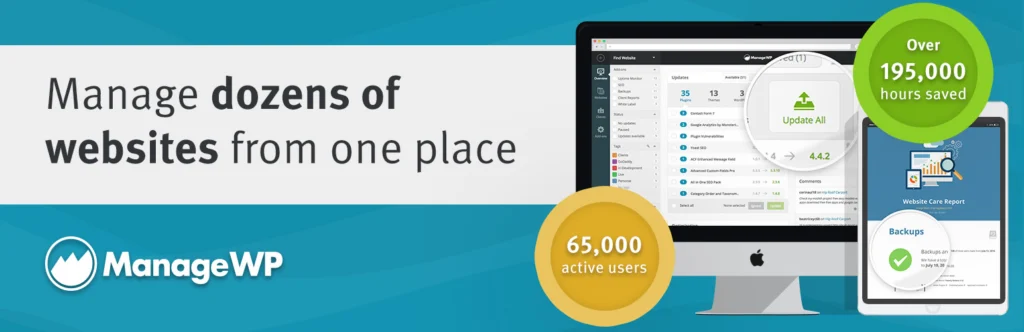
ManageWP’s free tier includes maintenance mode, scheduled updates, vulnerability detection and a monthly backup for unlimited sites. Paid add-ons are mostly $1 per site per month or $25 per bundle of 100 sites; backups are $2 per site, up to hourly, in US or EU storage and kept 90 days. Safe Updates (restore point, visual comparison of one page, rollback on errors) needs the backup add-on. It suits agencies that want a free base and are happy to manage add-ons per site. See WP Octo vs ManageWP.
MainWP
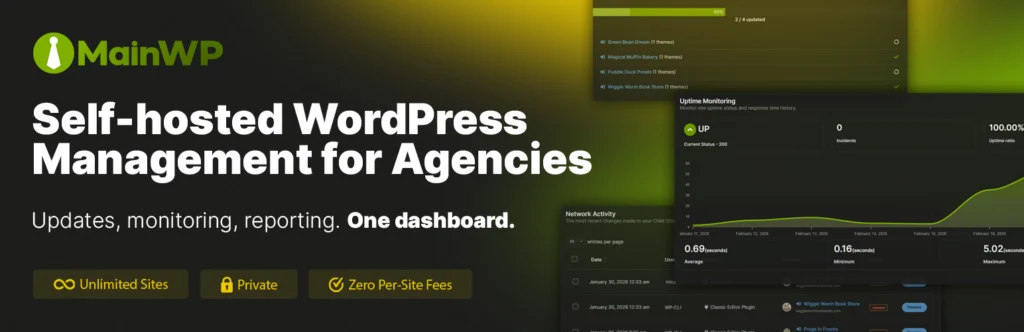
MainWP is self-hosted and open source, so backups and data stay on servers you choose. The free core has updates, scheduled updates with a delay and rollback on a failed update; Pro is a flat $29 a month, $199 a year or $599 lifetime with more than 30 add-ons, including reports and white label. Backups come through plugins such as UpdraftPlus or BackWPup until built-in backups arrive in Dashboard 6.4, and security comes through integrations with Wordfence, Sucuri, Jetpack and Patchstack. It suits technical agencies that want control and a flat cost. See WP Octo vs MainWP.
WPMU DEV
WPMU DEV pairs The Hub with its own Defender security and Snapshot backup plugins. Updates come with a backup beforehand, a visual safe update check and a restore button on failure, and backups are stored in the US or the EU. Plans run from about $50 a year for one site to Premium at $9.99 a month for unlimited sites, and there is client billing through Stripe. Hourly backups and staging are only available on its own hosting. It suits agencies willing to standardise on one vendor’s stack. See WP Octo vs WPMU DEV.
InfiniteWP
InfiniteWP is a self-hosted panel priced by number of sites, roughly $147 to $647 a year, with cloud storage for backups, client reports and white label included. We found no backup before an update, no visual check and no automatic rollback, and uptime, malware scanning and 2FA come from third parties. It suits agencies that mainly want backups in their own cloud storage and a yearly bill, and handle update safety themselves. See WP Octo vs InfiniteWP.
How to switch without disrupting clients
- Decide what replaces the monthly WP Umbrella report before anything else, and tell clients before the first report changes. Reports are the part of the service clients actually see.
- Connect five awkward sites to the new tool while WP Umbrella stays in place, and switch off scheduled updates in one of the two for the overlap.
- Let the new tool complete a full backup on those sites and restore one to staging. Keep WP Umbrella running until the new tool has built up enough restore points of its own, because the old backups stay with WP Umbrella.
- Recreate uptime checks, alert contacts and update windows, and check that the security settings you had on the shops are covered on day one.
- Move the rest in batches by hosting provider, then disconnect the sites in WP Umbrella and remove its plugin.
- Update your data processing agreement with the new sub-processor.
For the routine behind all of this, see our guide to WordPress maintenance for agencies. If you are weighing ManageWP as well, the best ManageWP alternatives covers the same ground from its side.